 JCC
JCC  J Camps
  Gordon Center
About the JCC

Who We Are
Sports & Wellness
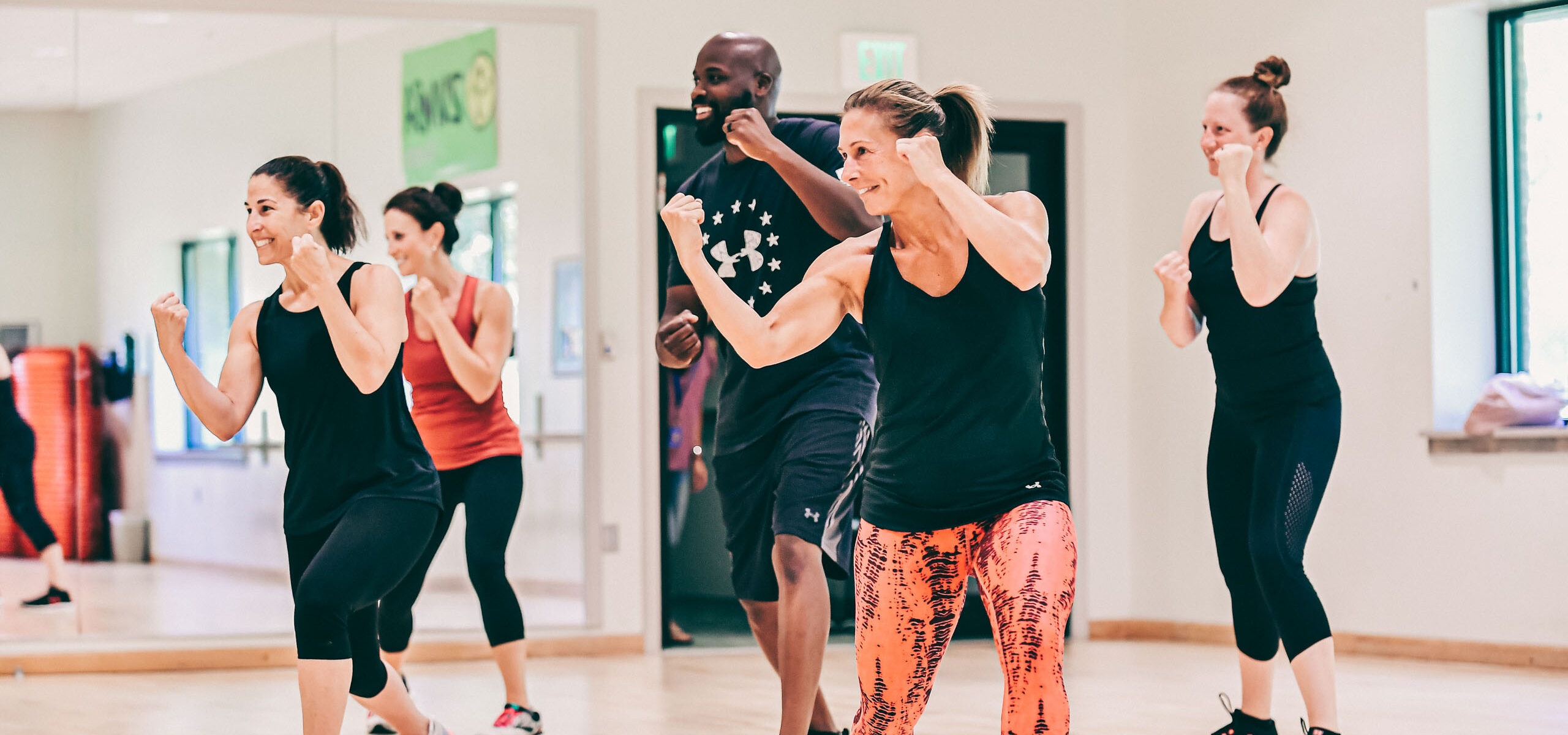
About Sports & Wellness
Featured Programs
Youth & Family

About Youth & Family
Featured Programs
Arts & Culture

About Arts & Culture
Jewish Life

About Jewish Life
Virtual Group Fitness Classes
How to access the Virtual-J for a JCC Group Fitness Class
The Virtual-J can be accessed online via desktop browser or the My J app:
FOR ONLINE ACCESS:
- Go to Hours & Schedules >
- To view the schedule for all in person and virtual Group Fitness classes:
- Select – Schedules: Group Fitness
- Virtual J: Access pre-recorded virtual Group Fitness sessions
Sign in to Virtual J Classes >
- Virtual J: Access pre-recorded virtual Group Fitness sessions
FROM THE MY J APP:
- Choose the Virtual-J icon to utilize LIVE or pre-recorded, Group Fitness classes taught by JCC instructors.
- Sign In to Virtual J Classes >
- Once you have selected the Virtual J link from the My J app or online.
- The link and will take you to the membership login page. Members should log in using the email address and password associated with their member account.
- From the top menu bar, choose Virtual J.
- There you will see the options for Cardio, Strength, Mind-Body and LIVE.
- After that selection, you will see various class types for the chosen option. After you choose the class type, use the directional arrows </> to view additional classes.
- All the recorded classes can be taken at your convenience.
- The “LIVE Now” link will take users to the few classes where they are taking class along with the instructor and other members who are logging in to work together from their own space.
Enjoy!